

Shapes panel
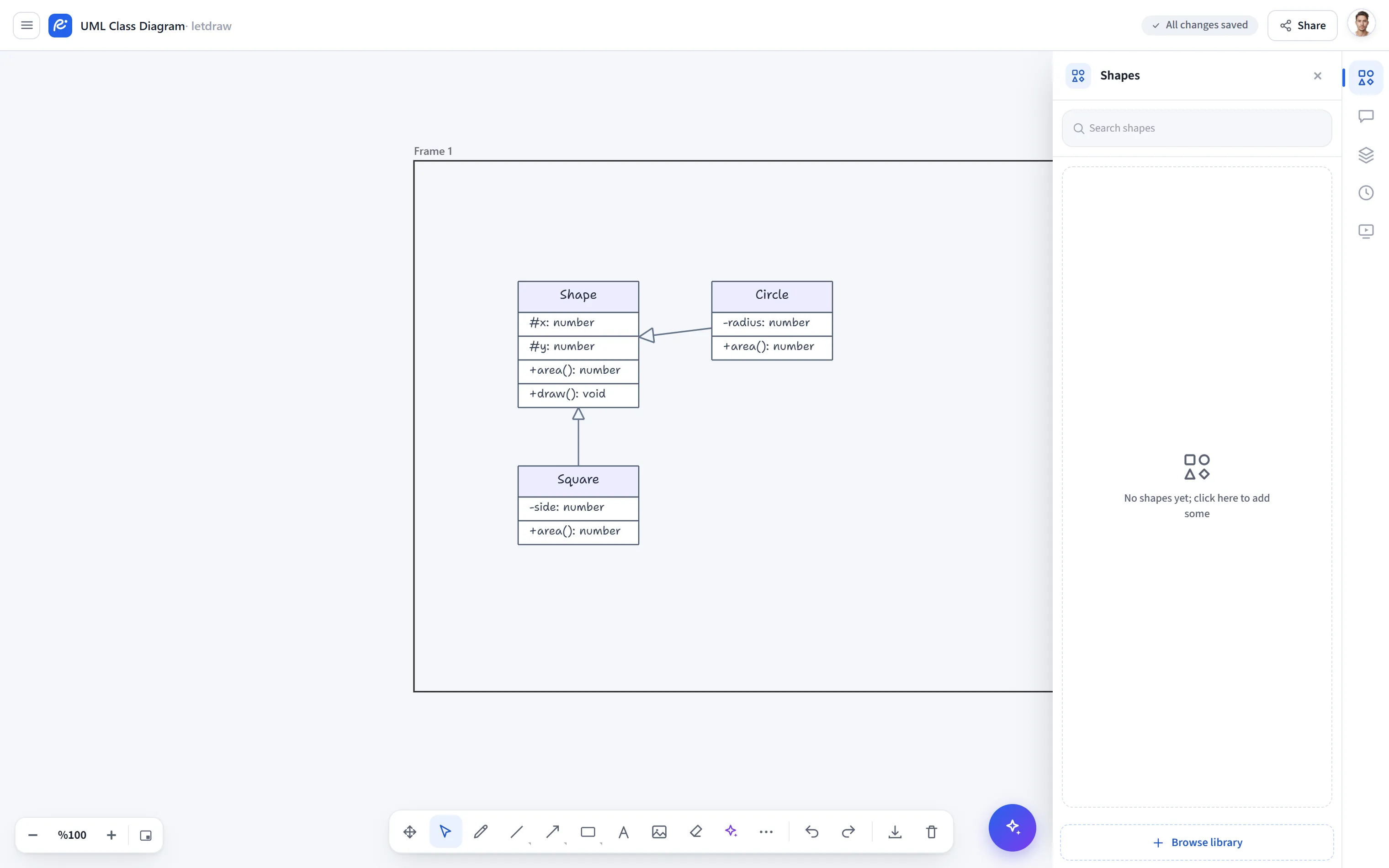
Shapes panel (More Shapes in the menu) is a view toggle that opens and closes the Shapes panel on the right. The panel holds ready-made shape sets (flowchart, UML, sequence, etc.) and the shape libraries you import.
How to open
Section titled “How to open”In the bottom toolbar, More tools (⋯) → More Shapes. The item is a toggle; when the panel is open, a check mark appears next to it.
How to use
Section titled “How to use”- Select More tools → More Shapes; the Shapes panel opens on the right.
- Drag or click the shape you want from a shape set onto the canvas.
- To close the panel, select the same item again.
- You can import sets from shapes.letdraw.com for more libraries.
- The same panel is also referenced from the Shapes tool page; this item is only for quickly opening and closing the panel.