

Mind map
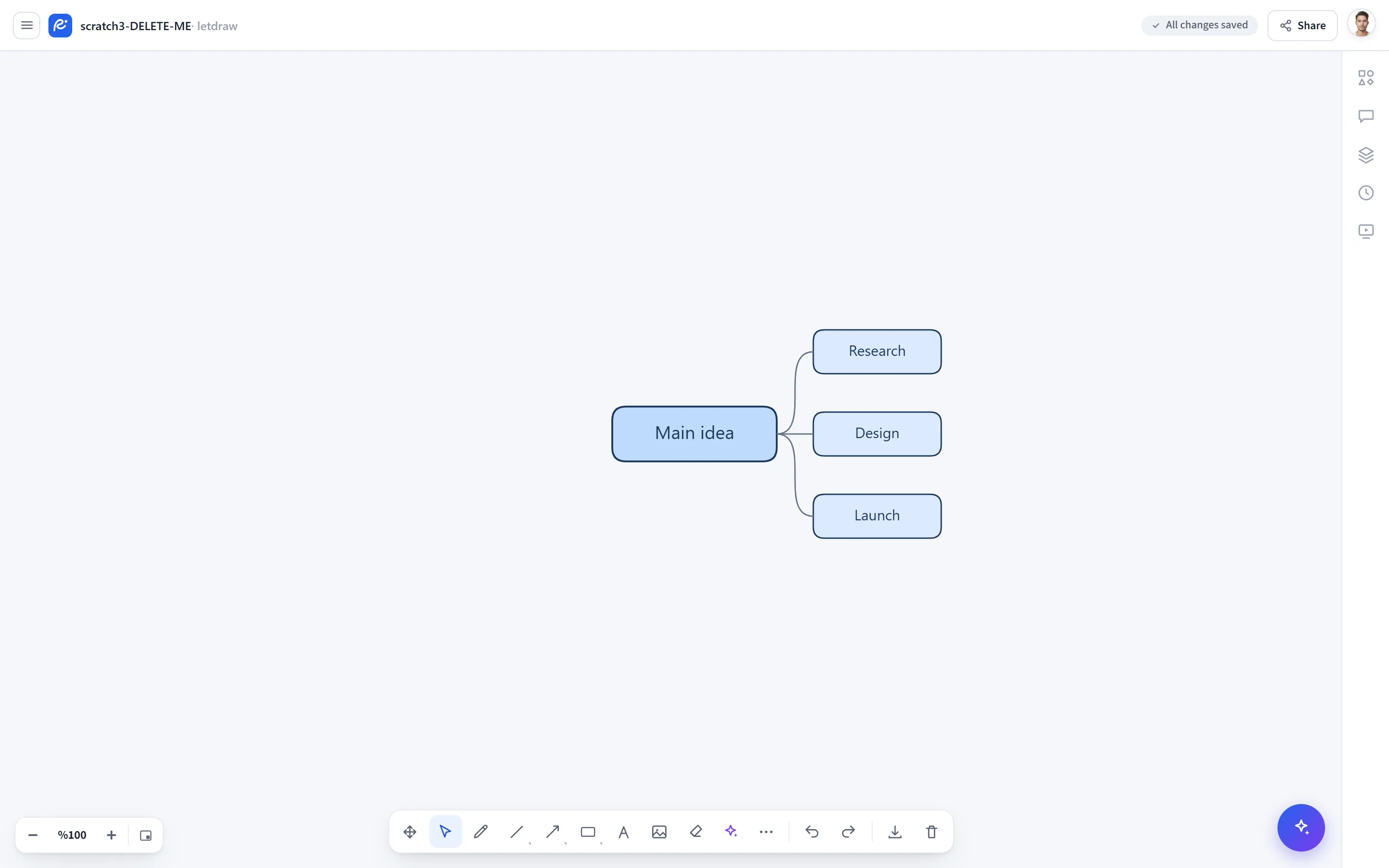
Mind map (New mind map in the menu) adds a central “main idea” node and branches connected to it onto the canvas. It is ideal for generating ideas, outlining a topic tree, and quick brainstorming. The result is made of real shapes; you can edit each node individually.
How to open
Section titled “How to open”In the bottom toolbar, More tools (⋯) → New mind map.
How to use
Section titled “How to use”- Select More tools → New mind map. A Main idea node is added to the middle of the screen (it appears where you are looking, not far off on the canvas).
- With a node selected, press
Tabto add a child node; the new branch connects and positions itself automatically. - Double-click a node to change its text.
- Because branches are connected nodes, you can move, color, or combine them with other shapes at any time.
- When you move the main idea, the connected branches preserve the relationship.