

Layers
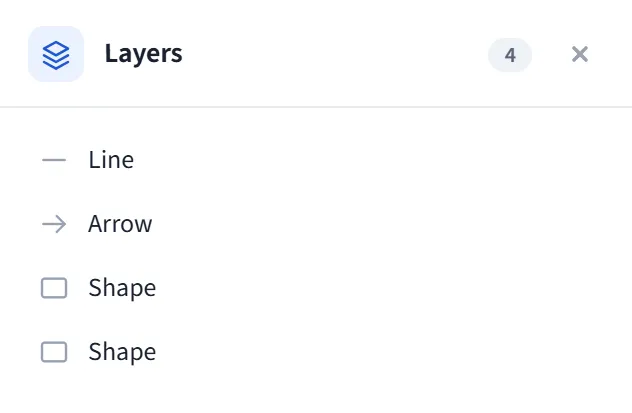
The Layers panel opens on the right edge and is a vertical list that lists every element on the canvas. The most recently drawn element (the frontmost on the canvas) is at the top; the order is the same as the layer (z) order on the canvas: top of the list = front of the canvas.
How to open
Section titled “How to open”Open the Layers panel from the panel rail on the right edge. The header shows the panel name and the live element count on the canvas.
- Each row is an element: it carries an icon based on its type and a label.
- The label is the element’s text; if it has no text, a default name based on its type is shown (Arrow, Line, Text, Pen drawing, Highlighter, Image, Frame, Embed, Math, Code block, or Shape in general).
Groups
Section titled “Groups”- Grouped elements (such as a mind map, a table, or a shape stamp) are collected under a single group header, so the list doesn’t sprawl with hundreds of rows.
- The group header shows the type and element count (Group / Mind map / Table · N).
- Press the arrow on the header to expand/collapse the group; its rows drop down to the individual elements.
Selection
Section titled “Selection”- Clicking a row selects that element;
Shift-clicking adds to the selection. - Clicking a group header selects all members of the group.
- Selection is bidirectional: when you select an element on the canvas, the matching row(s) in the panel are highlighted too.
- The list is in reverse z-order (most recently drawn at the top), so the panel order matches what you see on the canvas.
- When the canvas is empty, the panel says “Canvas is empty.”