

Account settings
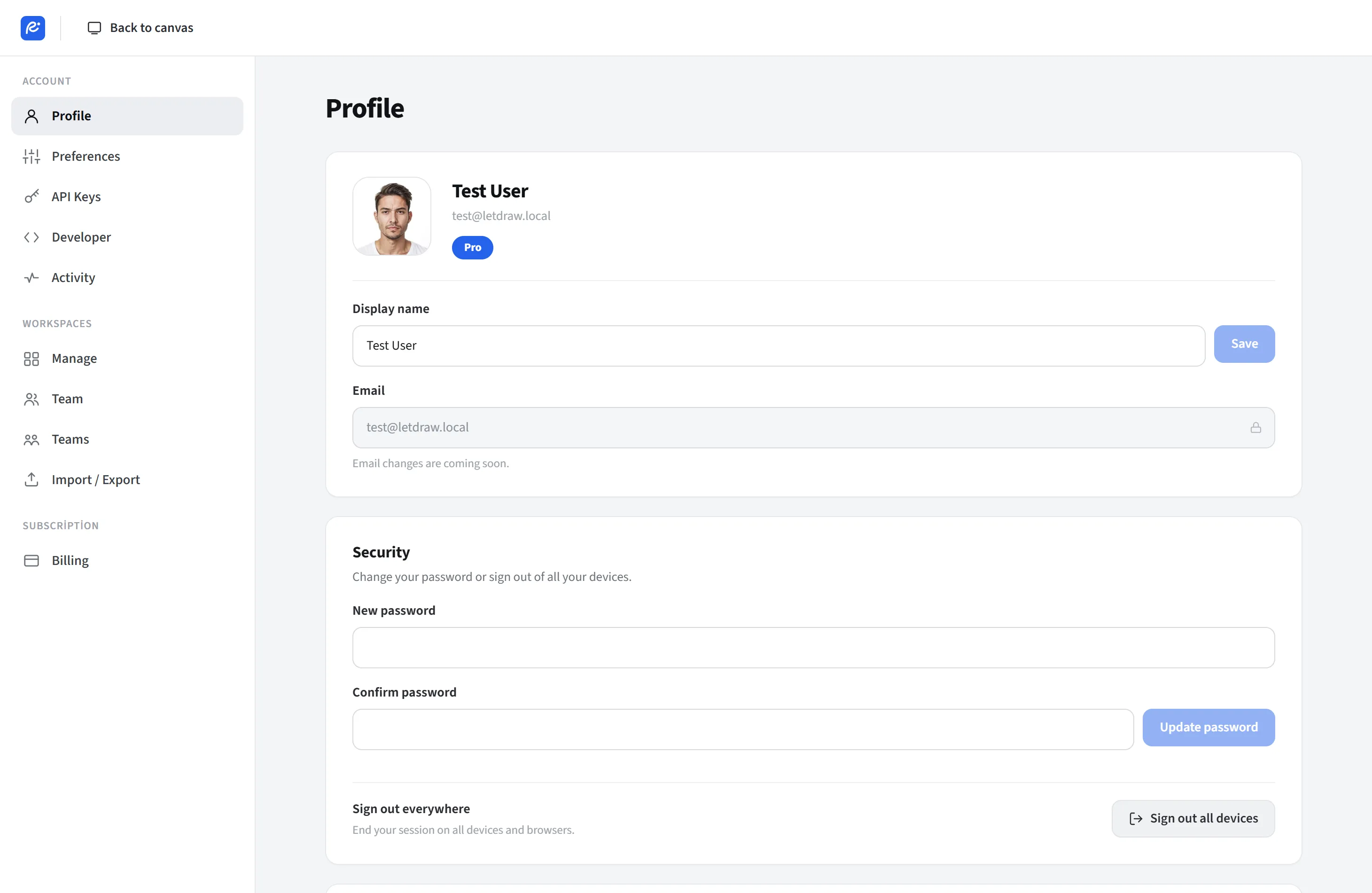
Account settings opens a full-page settings view (/settings). From here you
manage everything related to your account, from profile to billing, from API keys to
team management.
How to open
Section titled “How to open”The avatar at the top right → Account settings.
Sections
Section titled “Sections”- Profile: display name, avatar and your account details.
- Preferences: application preferences.
- API keys: your own keys for AI providers (BYOK).
- Developer: personal API tokens for the LetDraw REST API.
- Billing: your plan, upgrade and invoice management.
- Team / Members: invite and manage workspace members.
- Activity: account and workspace activity log.
- Workspaces: manage your workspaces.
- Import / Export: workspace import/export tools.
Data and account (KVKK / GDPR)
Section titled “Data and account (KVKK / GDPR)”Settings also offers legal self-service actions:
- Export my data: downloads your profile, workspaces, folders, documents, comments and invitations as a single JSON file.
- Delete my account: permanently deletes your account with a two-step confirmation (open the danger zone, then confirm by typing “DELETE”).
Only sections and buttons that actually exist appear in the menu (for example, billing only when payment is enabled). Signing out is not on this page; it is directly in the avatar menu.