

Embed
Embed places a web page / embeddable content live on the canvas. For example, you can add a video, a map, or another online view next to your diagram.
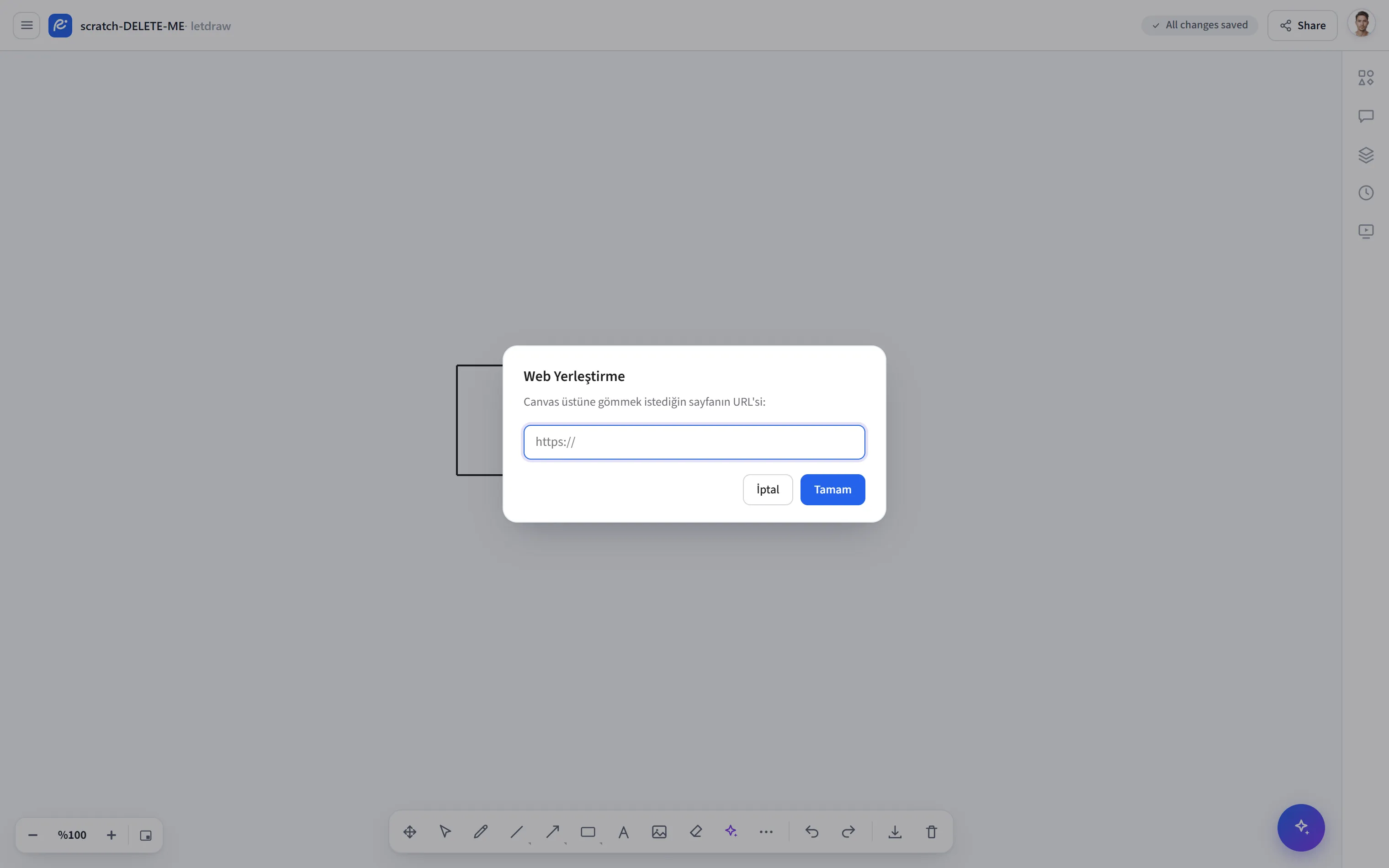
How to open it
Section titled “How to open it”More tools (⋯) → Embed in the bottom toolbar; or I from the keyboard.
Shortcut
Section titled “Shortcut”| Key | Action |
|---|---|
I | Select the Embed tool |
How to use it
Section titled “How to use it”- Open More tools → Embed (or
I). - Paste the URL of the page you want to embed into the box that opens.
- An embed box is added to the canvas. You can move and resize the box with the Select tool.
- Only sites that allow embedding are displayed; some sites block embedding.
- The embed box has no format controls of its own; you can use the opacity, layer order, and duplicate/delete controls from the Select tool.