

Add shape
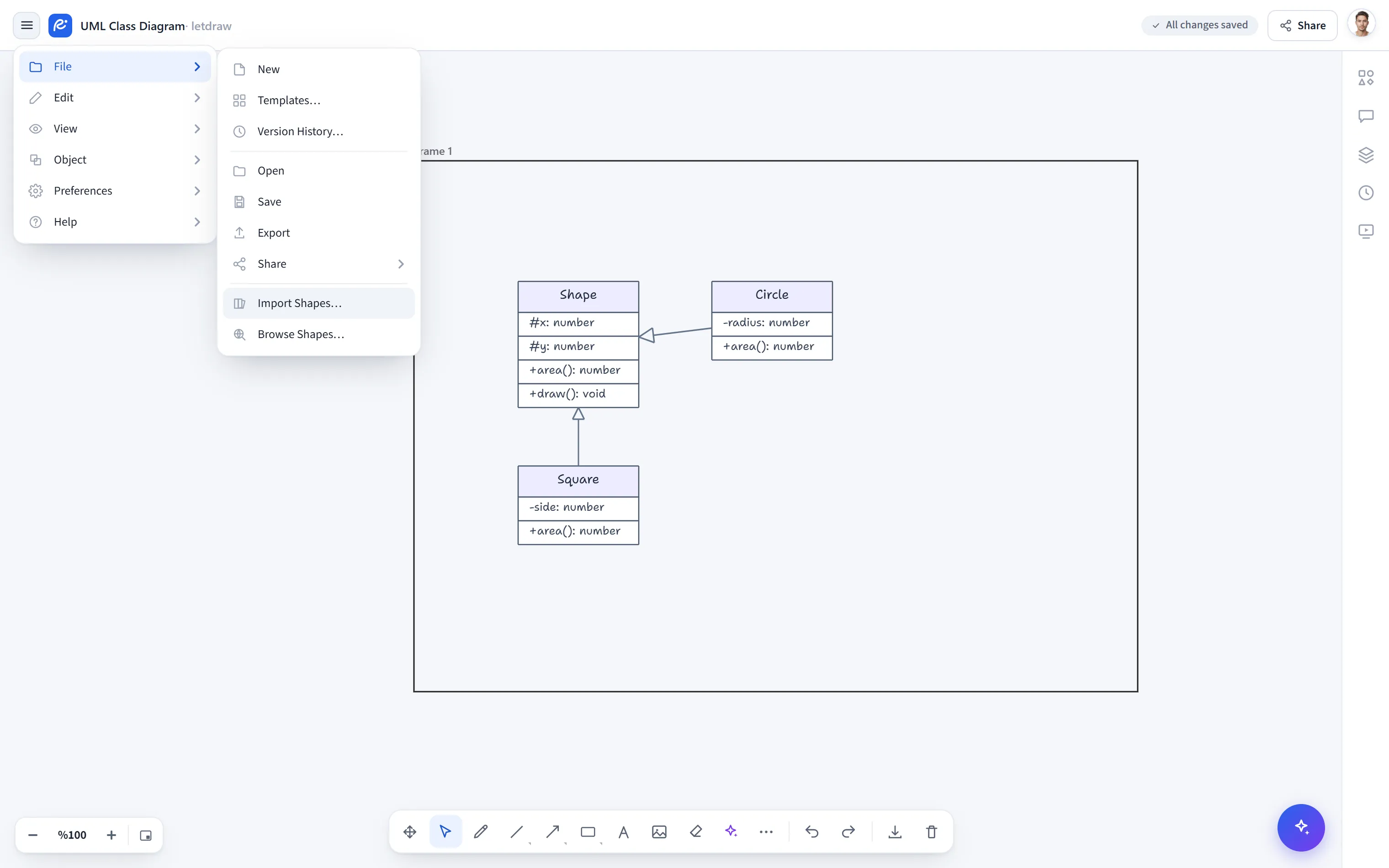
Add shape… imports a .letdrawlib shape library file into the app. The added
library appears in the Shapes panel on the right; you can drag its shapes onto the
canvas and use them.
How to open it
Section titled “How to open it”Top-left Hamburger menu → File → Add shape….
How to use it
Section titled “How to use it”- Choose Hamburger → File → Add shape…. A file picker opens.
- Select a
.letdrawlibfile. - The library is validated, added, and appears in the Shapes panel.
Where to find a .letdrawlib file
Section titled “Where to find a .letdrawlib file”- Download a library from shapes.letdraw.com using the JSON button; or, on the detail page, use Select shapes to produce a file with only the shapes you want.
.letdrawlibfiles that you produced yourself or that someone else shared.
- Premium libraries require a Pro or Enterprise plan; if you don’t have a suitable plan, an upgrade dialog appears instead of the import.
- If the file is invalid, a “Could not add library: …” warning is shown and nothing is added.
- The Add to LetDraw button on shapes.letdraw.com skips this step: it sends the library straight to the editor without downloading a file.