

Laser pointer
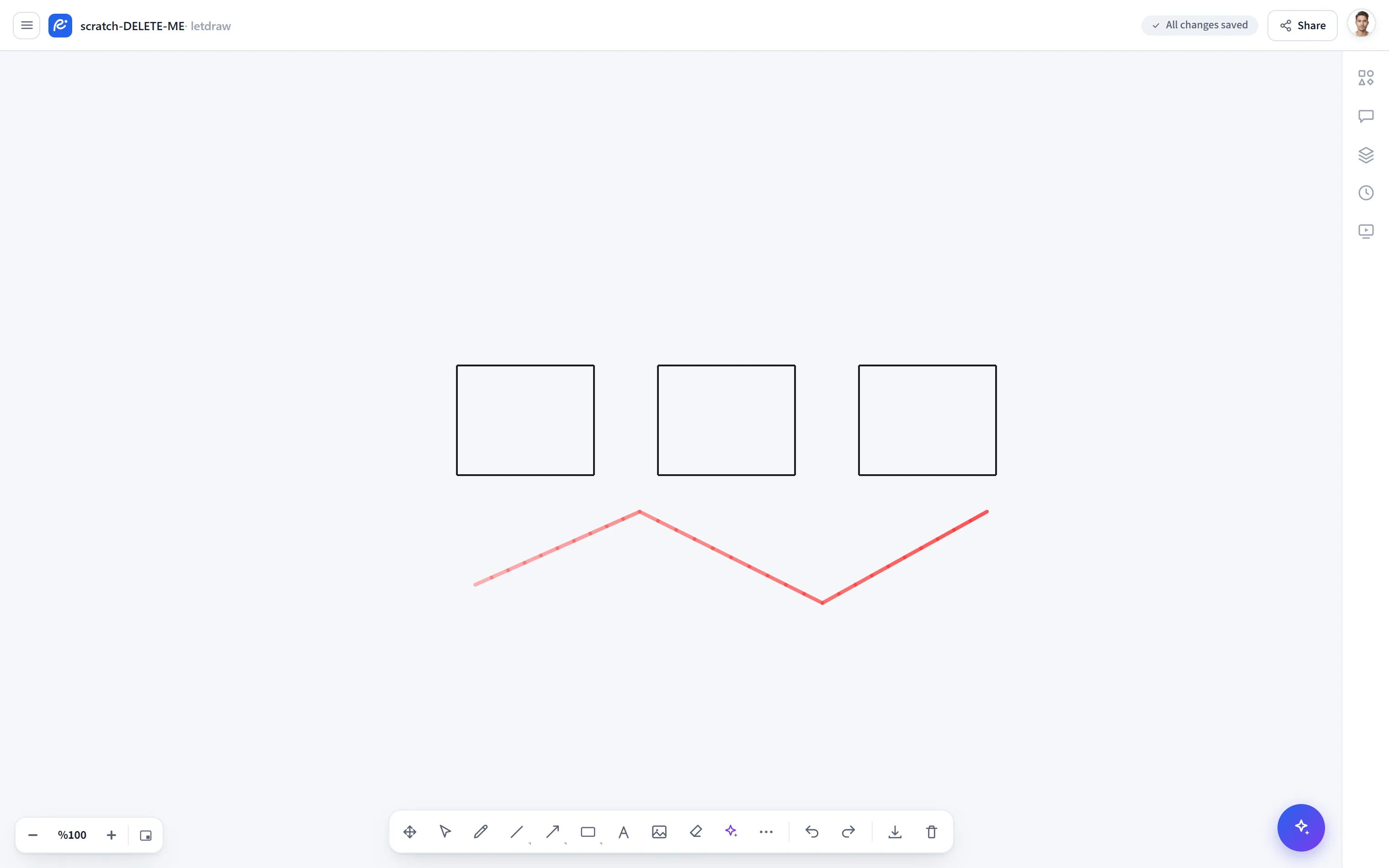
Laser pointer (Laser) lets you draw a temporary pointer on the canvas. The trail you leave fades and disappears shortly; it does not create a permanent element. It is ideal for drawing attention to something while presenting.
How to open
Section titled “How to open”In the bottom toolbar, More tools (⋯) → Laser pointer; or press L on the
keyboard.
Shortcut
Section titled “Shortcut”| Key | Function |
|---|---|
L | Select the Laser pointer tool |
How to use
Section titled “How to use”- Select More tools → Laser pointer (or
L). - Drag over the spot you want to highlight. A red trail appears.
- The trail disappears on its own within a few seconds; it does not permanently change your drawing.
Laser or Highlight?
Section titled “Laser or Highlight?”- Laser pointer: the trail is temporary and not saved; it is for drawing momentary attention.
- Highlight: a semi-transparent but permanent element; it stays in the drawing and is saved.