

Record process
Record process records the drawing process live directly from the canvas and
downloads it as a .webm video file. It is ideal for showing how an idea takes
shape step by step or for sharing a time-lapse clip.
How to open
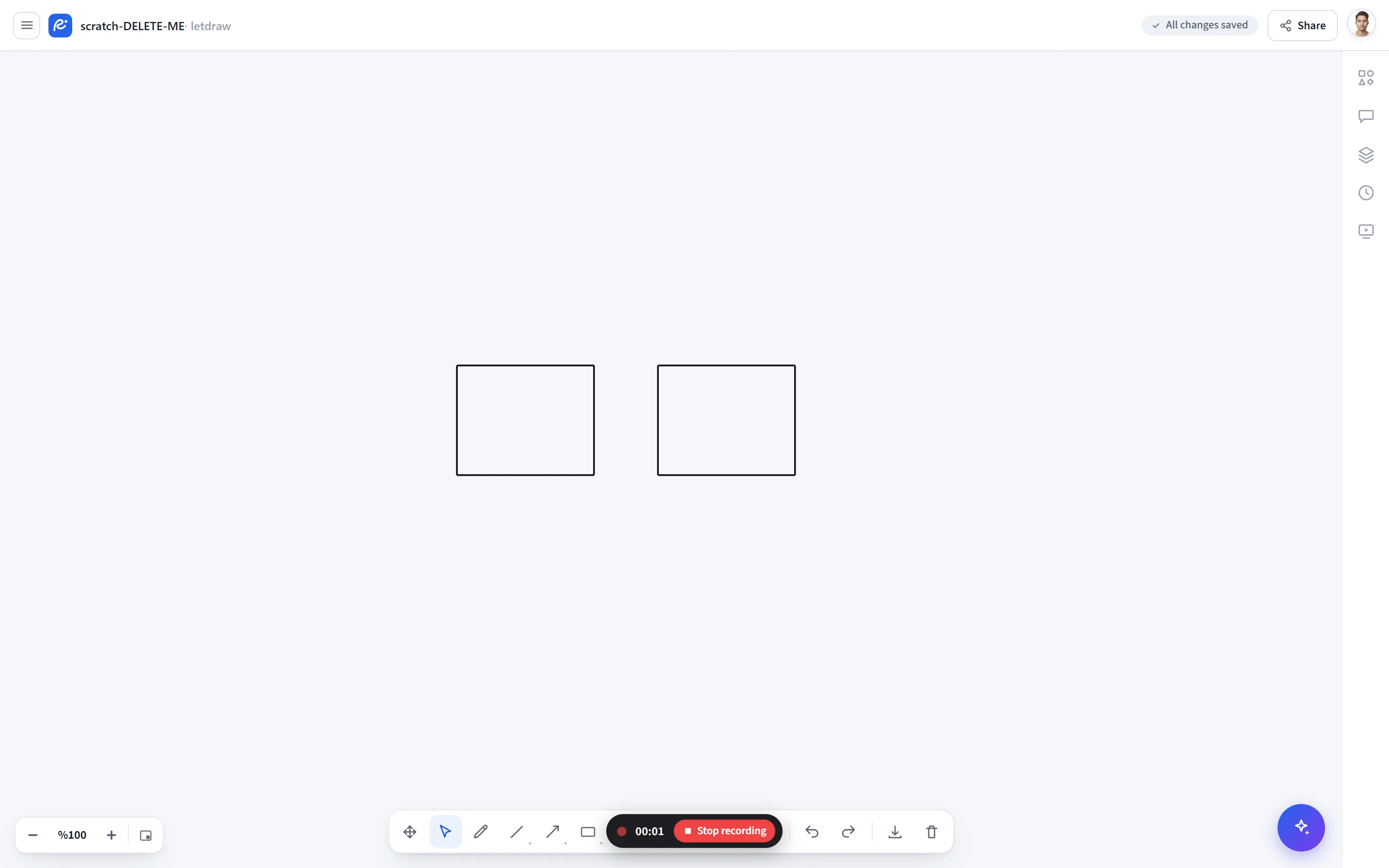
Section titled “How to open”In the bottom toolbar, More tools (⋯) → Record process.
How to use
Section titled “How to use”- Select More tools → Record process. Recording starts.
- While recording, a red indicator and a Stop button appear at the bottom center.
- Do your drawing; only the canvas is recorded (not the toolbars or menus), so you get a clean clip.
- When you press Stop, the video is downloaded with the name
cizim-<date>.webm.
- It records clearly with a high bitrate; the preferred codec is VP9, falling back to VP8 if unsupported.
- If your browser does not support recording, the menu item appears disabled.
- If you need an animated GIF, record it as WebM and convert it with a tool (e.g.
ffmpeg -i cizim.webm cizim.gif).