

Billing
Billing is in the Subscription group of the settings page. You manage your subscription, payment method and invoices here. This section appears only on accounts that are billing-enabled (SaaS) and paid (Pro/Enterprise); upgrading (Free → Pro) is done from the Profile page.
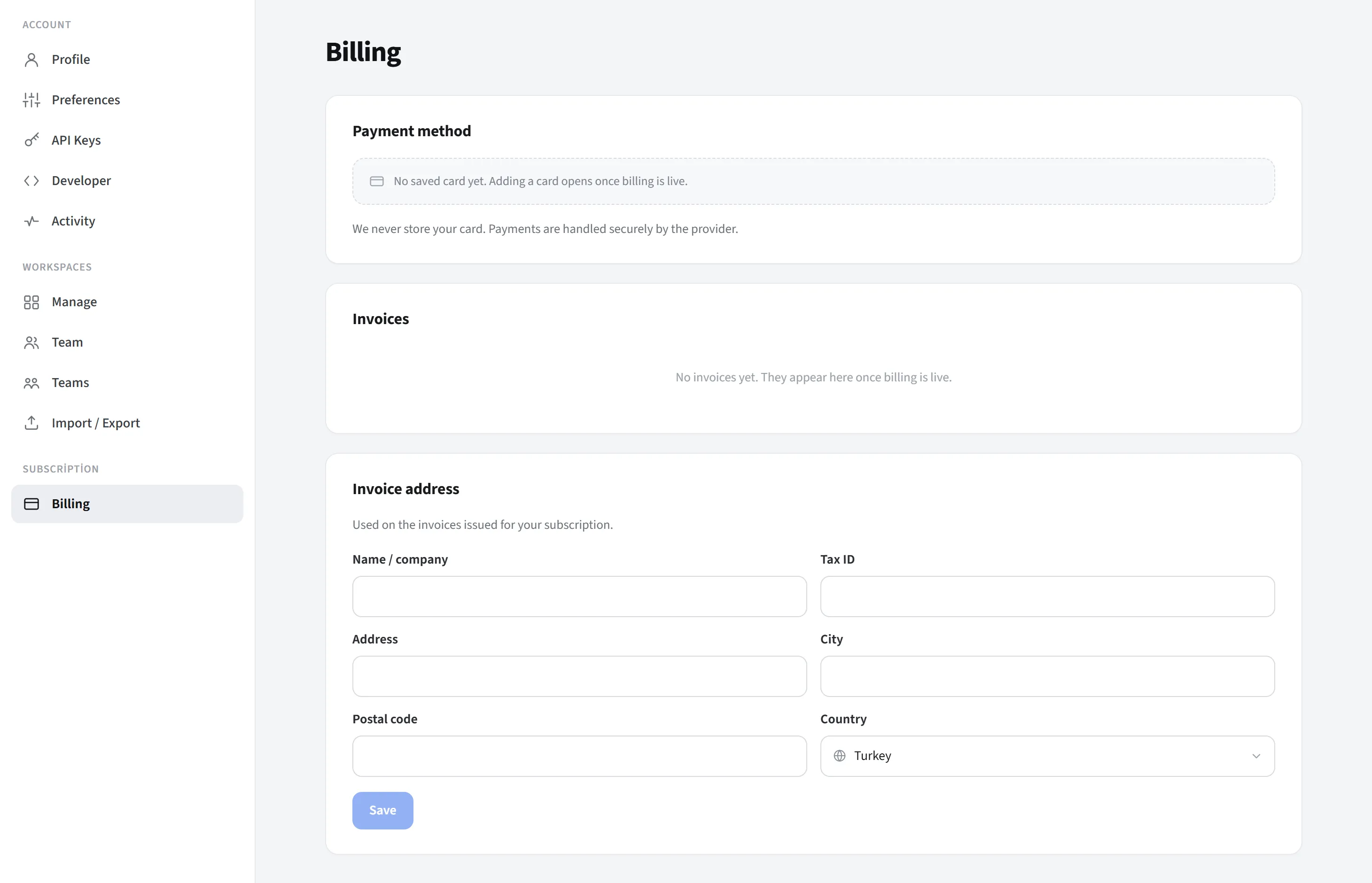
Subscription
Section titled “Subscription”Your plan, its status (active/canceled), renewal date and manage payment / cancel buttons are shown (if a real subscription exists).
Payment method
Section titled “Payment method”Your saved card (brand, last 4 digits, expiry) is shown; you update it with Change card. With some providers (e.g. iyzico) card details are not shown, in which case an informational note appears.
Invoice history
Section titled “Invoice history”Your invoices are listed with period, type, status and amount; where available you open each invoice with View.
Billing address
Section titled “Billing address”You fill in the name, tax number, address, city, postal code and country (searchable list) fields and press Save. This field is always available.