

Share link
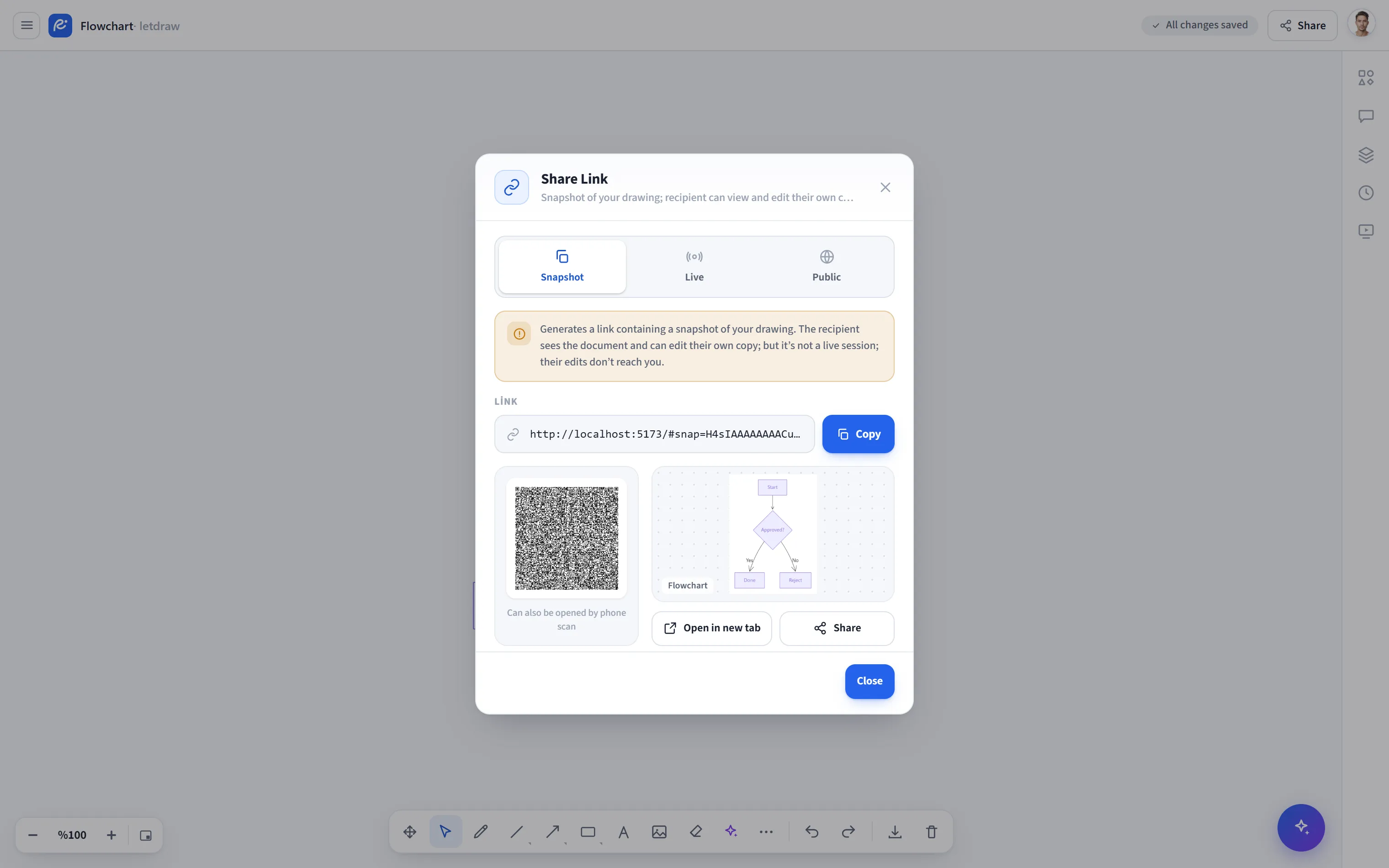
Share link creates a link that contains an instant copy of your drawing as it is right now. Whoever opens the link gets a copy of the document and edits it on their own side. This is not a live session: the other side’s edits do not reach you, and yours do not reach them (one-way). The link itself carries the data (compressed, inside the address), so it needs no account or server; it also works offline and in guest usage.
How to open it
Section titled “How to open it”Click the Share button in the top right and choose Share link from the menu. (You can also reach it via the hamburger menu -> File -> Share.)
How to use it
Section titled “How to use it”- Open Share -> Share link. When the window opens, the current scene is captured once and a fixed link is generated.
- Copy the link (copy button) or use the QR code to scan it with a phone.
- If you want, preview it with Open in new tab; if your device supports it, send it straight to an app with the system Share button.
- When the person you shared the link with opens it, they get their own editable copy of the document.
The tabs at the top of the window (Snapshot . Live . Public) let you switch to the other share types without reopening the menu.
- The link captures the scene at the moment you open the window; if you keep drawing in the background, the link does not change. Reopen it to capture the current scene again.
- Deleted elements are not included in the copy, so the link stays as small as possible.
- Since the data travels inside the address, the link can get long for very large drawings.
- It is one-way; if you want to edit together at the same time use Live collaboration, and for a permanent view-only link use Public share.