

Getting started
LetDraw is a drawing and diagramming tool that runs in your browser; it needs no installation, you just open a link. By default your drawings stay on your device (browser storage): there is no tracking, nothing is sent to a server, and you can open it and draw even without an internet connection. You turn an idea into an editable diagram in minutes by drawing it by hand, having AI draw it, or generating it from code (Mermaid / D2 / YAML). If you want, you can enable cloud save and real-time collaboration; these are entirely optional. Live collaboration and share links are end-to-end encrypted.
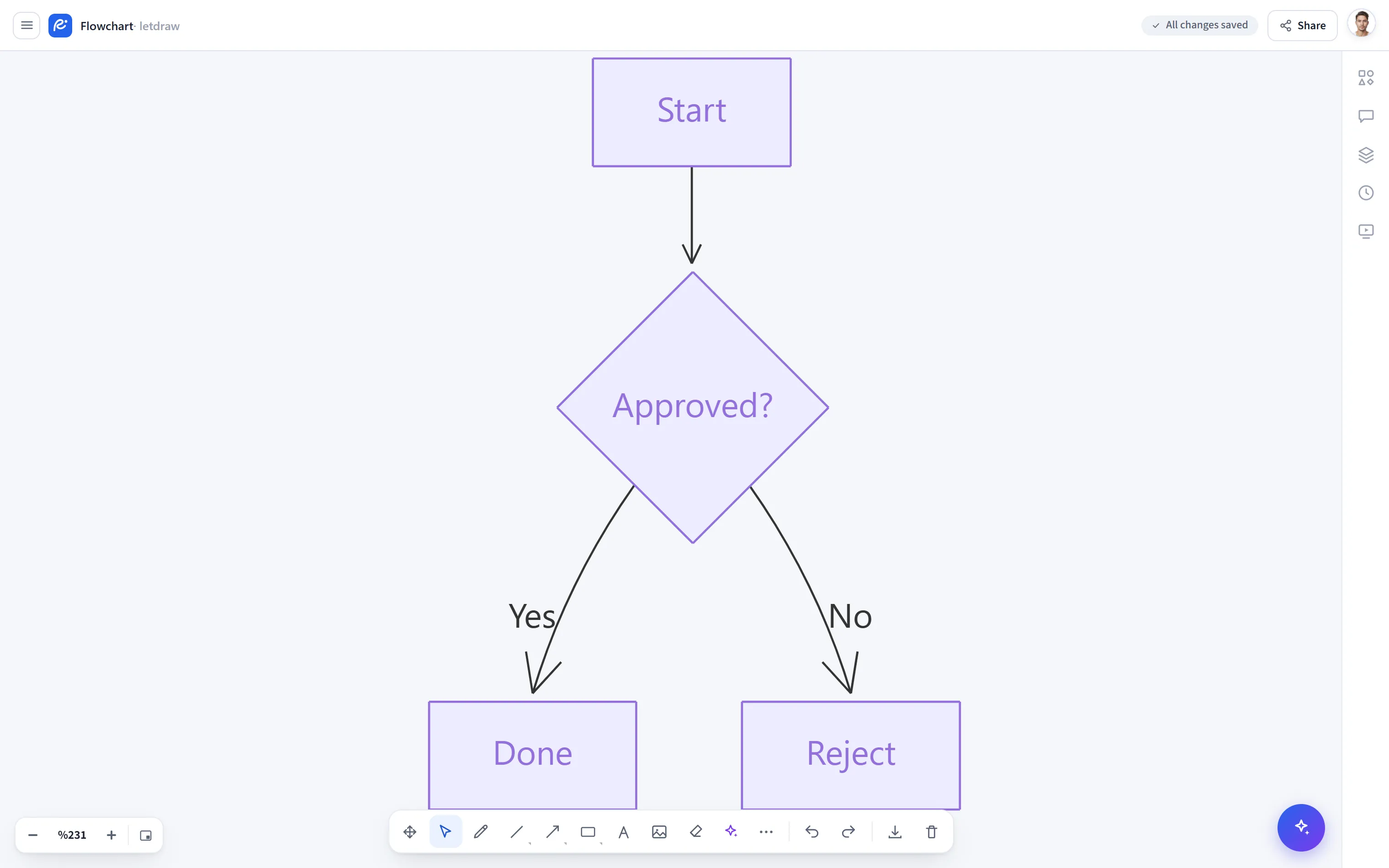
Who is LetDraw for?
Section titled “Who is LetDraw for?”LetDraw is designed for anyone who needs to visualize an idea quickly. Anything you could draw on a whiteboard, you prepare in a neater, more shareable form. It is a good fit especially for these teams and roles:
| Team / role | Typical use |
|---|---|
| Software developers | Flowcharts, sequence, class and ER diagrams; diagrams from Mermaid/D2 code |
| DevOps / platform teams | Architecture and infrastructure diagrams, Kubernetes/Compose visualization |
| Software architects | System design, service maps, decision diagrams |
| Product and project managers | User flows, process diagrams, presentation visuals |
| Technical writers | Documentation visuals, annotated diagrams |
| Students and educators | Lecture notes, concept maps, teaching visuals |
What does LetDraw do?
Section titled “What does LetDraw do?”LetDraw’s core purpose is to shorten the path between idea and diagram. You can turn what you have in mind into a diagram three ways:
- Draw by hand: with the shapes, arrows, and text in the toolbar.
- Let AI draw it: write a sentence, upload an image, or describe it by voice.
- Generate from code: from Mermaid, D2, or YAML (Compose/Kubernetes) input.
Whichever way you choose, every resulting element is a real, editable shape; you can move, style, export, and share it afterward. And while you do all this, your data stays on your device.
Standout strengths
Section titled “Standout strengths”Most tools are either a plain drawing board or generate diagrams from code only. LetDraw combines both in one place; on top of that, it does so in a privacy-focused, offline-capable form. Its standout strengths:
| Advantage | What it means |
|---|---|
| Privacy first | Your drawings are stored in your browser by default; there is no tracking, and nothing is sent to a server. Cloud save and collaboration are optional; live collaboration and share links are end-to-end encrypted. |
| Offline | No installation needed; it opens and draws without an internet connection. |
| AI built in | Generate diagrams from text, image, or voice; have AI explain and document an existing diagram. |
| Diagram ⇄ code | Generate diagrams from Mermaid and D2, and turn a diagram back into code (two-way). |
| Real shapes | Generated diagrams are not just images; every box, arrow, and label is editable by hand. |
| Diagram-specific elements | Editable tables, syntax-highlighted code blocks, quick charts, and math/LaTeX. |
| Smart connector | Arrows route automatically and cleanly around shapes. |
| Flexible export | PNG / SVG / PDF; plus recording the drawing process as WebM. |
| Automation | Call LetDraw from your own tools with the API and MCP, and generate diagrams from code. |
| Self-hosting | Host LetDraw and these docs on your own infrastructure with Docker. |
Open the app
Section titled “Open the app”Visit www.letdraw.com; no installation needed. Your drawings are saved to your browser automatically, and you pick up where you left off next time.
Your first diagram (60 seconds)
Section titled “Your first diagram (60 seconds)”- Pick the Rectangle (
R) tool from the top toolbar and draw a box on the canvas. - Double-click the box and type some text (e.g. “Start”).
- Use the Arrow (
A) tool to draw an arrow from this box to a second box; the endpoints snap to shapes automatically, and the arrow follows when you move a shape. - For something faster: open Prompt to Diagram from the toolbar’s ⋯ (More) menu and type a sentence like “class diagram for a university”; let the AI draw it for you.
Saving and restoring
Section titled “Saving and restoring”- Every change is saved to the browser automatically.
- Under the hamburger menu → File you can save and open a
.letdrawfile, or export to PNG / SVG / PDF.
What’s next?
Section titled “What’s next?”- Toolbar: tools, selection, drawing, and the More menu
- AI and diagram tools: diagrams from a prompt, from an image, and more
- Keyboard shortcuts