

Preferences
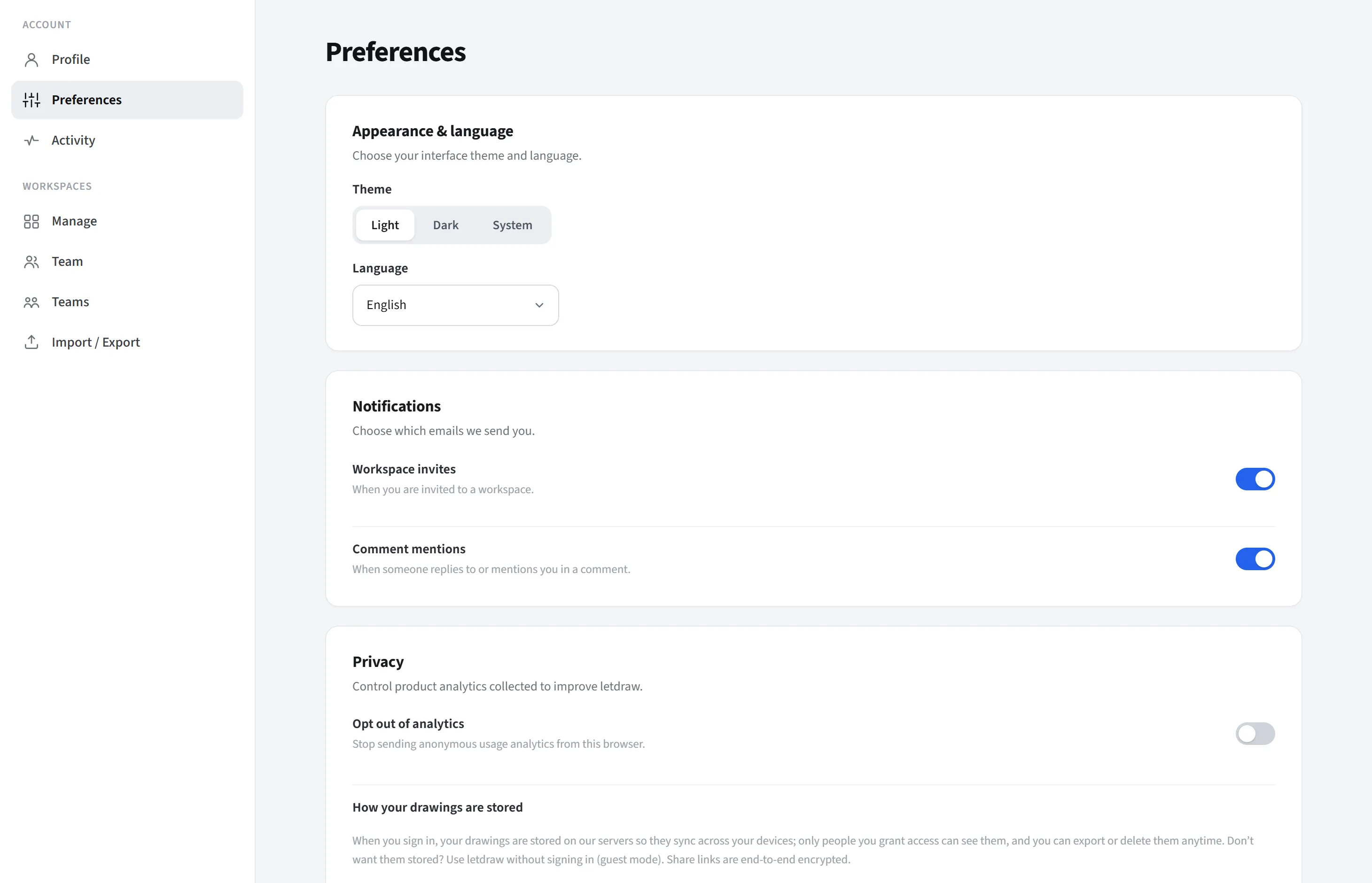
Preferences lives in the Account group of the Account settings page. This is where you adjust your appearance, notification, and privacy preferences.
Appearance
Section titled “Appearance”- Theme: Light / Dark / System.
- Language: choose the application language.
Notifications
Section titled “Notifications”This section controls which emails LetDraw sends you; it covers email notifications only (not in-app notifications). There are two separate switches:
- Workspace invitations: an email is sent when you are invited to a workspace.
- Comment mentions: an email is sent when someone replies to you or tags you
(
@) in a comment.
Each switch toggles independently. This preference is saved to your account, so the same setting applies no matter which device or browser you sign in from.
Privacy
Section titled “Privacy”This section controls the product analytics collected to improve LetDraw and how your data is stored.
- Opt out of analytics: when enabled, it stops the sending of anonymous usage analytics. This setting is specific to your own browser (it is not a preference but a flag written to that browser); you have to turn it off separately in any other browser or on any other device.
- How your drawings are stored: a short informational note. In short: when you sign in, your drawings are stored on LetDraw’s servers so they sync across your devices; only people you grant access to can see them; and you can export or delete them at any time. If you do not want them stored, use LetDraw without signing in (guest mode). Share links are end-to-end encrypted. For details, follow the privacy page link below the note.