

Lasso
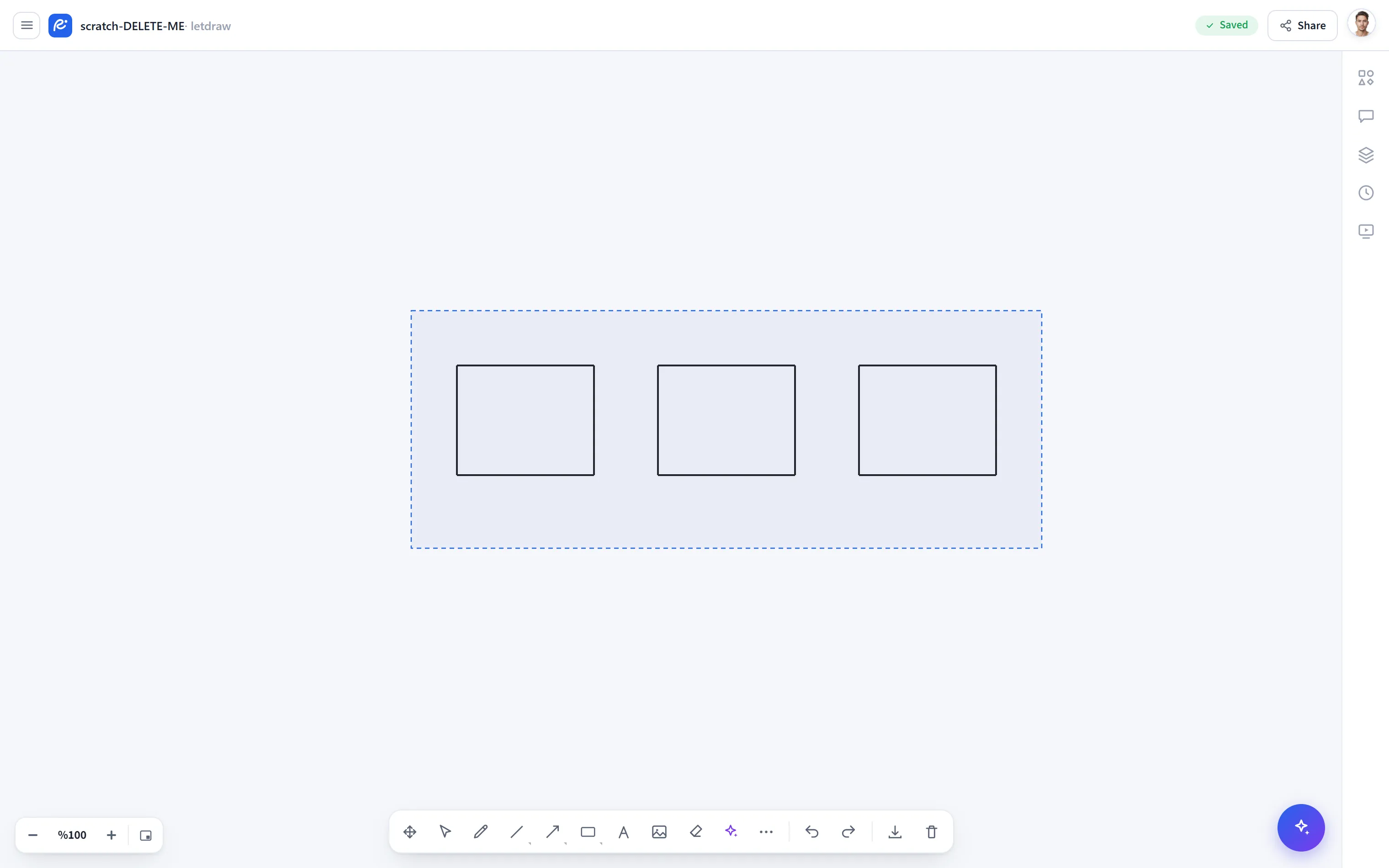
Lasso lets you draw a free-form area and select the shapes that fall inside it, instead of the rectangular selection box you drag from empty space. It is handy for selecting scattered or closely placed shapes in bulk without touching their neighbors.
How to open
Section titled “How to open”In the bottom toolbar, click the More tools (⋯) button and select Lasso from the menu.
How to use
Section titled “How to use”- Select More tools → Lasso.
- Draw a free-form loop around the shapes you want to select, as if drawing with your finger. When you return to the point where you started, the area closes.
- The shapes that fall inside the area become selected. Afterward, move, align, group, or format them in bulk just as with the Select tool.
- If box selection accidentally picks up closely placed shapes together, the lasso is more precise; only what stays inside the loop is selected.
- To extend the selection, you can continue adding to it with
Shiftusing the Select tool.