

From Mermaid
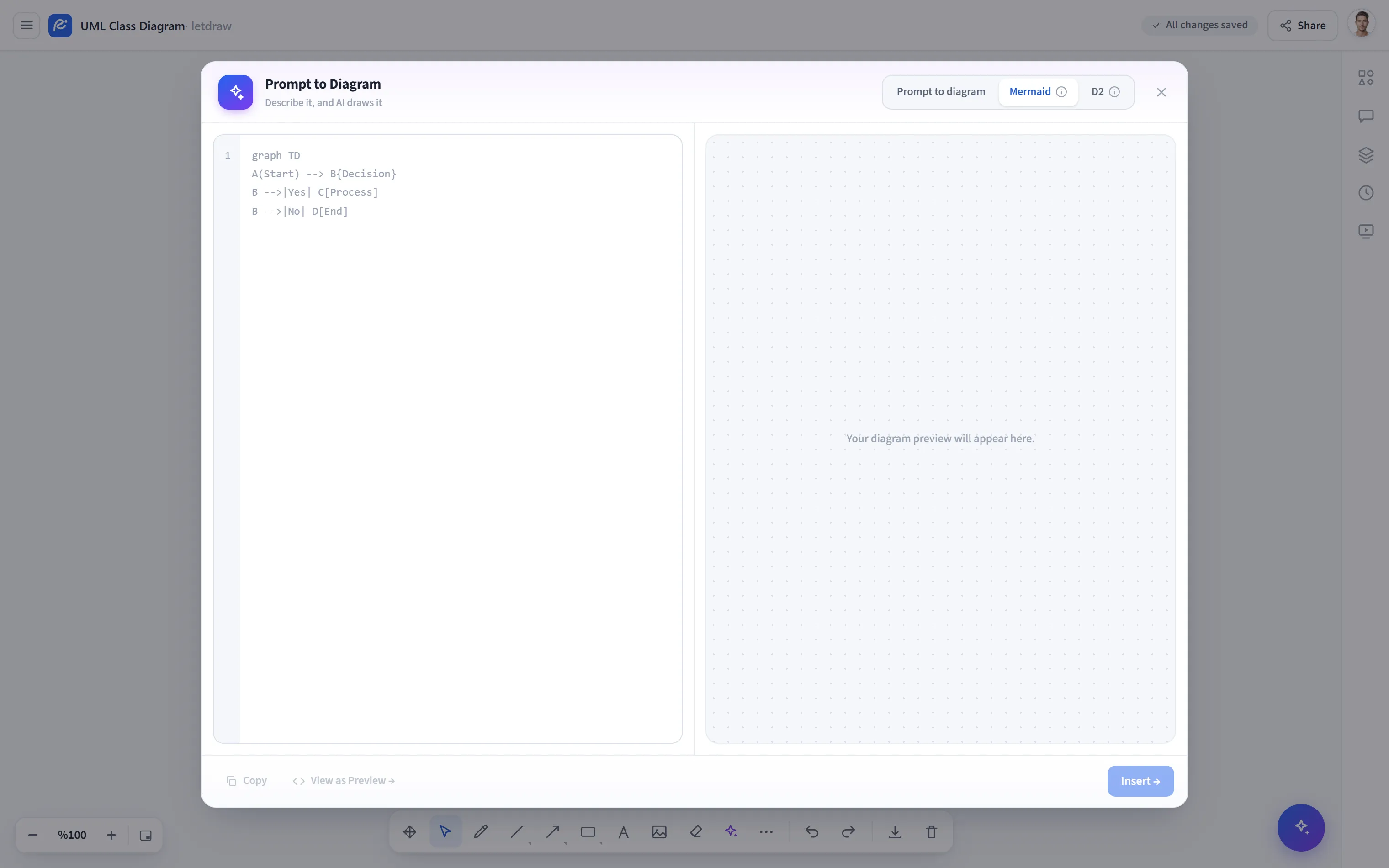
From Mermaid converts the Mermaid source you type or paste into editable LetDraw shapes. It requires no AI; the conversion runs entirely in your browser, offline, and rule-based.
How to open
Section titled “How to open”In the bottom toolbar, More tools (⋯) → From Mermaid. (This is the same dialog as the Mermaid tab of Draw with a prompt.)
How to use
Section titled “How to use”- Open More tools → From Mermaid.
- Type or paste your Mermaid code into the editor on the left. The live preview on the right updates instantly.
- Use the controls above the preview to adjust the line style (hand-drawn / straight), the font (handwritten / normal), and the zoom.
- Click Insert to place the shapes on the canvas. The result is made of real shapes; you can edit it freely afterward.
Supported diagram types
Section titled “Supported diagram types”Common types such as flowchart / graph, sequenceDiagram, classDiagram,
stateDiagram, and erDiagram are supported. An unsupported type shows a warning
in the preview.
flowchart TD A([Kullanıcı]) --> B{Giriş yapıldı mı?} B -->|Evet| C[Panel] B -->|Hayır| D[Giriş sayfası] D --> B- No key required; it works entirely offline.
- You can turn the diagram you produced back into Mermaid at any time with Diagram to Code.